
Weekly Money Reset: A Simple 15-Minute Checklist
Review what you spent, prepare for the next seven days and make one useful adjustment—without turning money management into an exhausting project.
Why a weekly money check-in helps
A monthly budget gives you a plan, but everyday spending can drift long before the month ends. A brief weekly review helps you notice forgotten purchases, an approaching payment or a particularly expensive week while there is still time to respond.
The aim is awareness rather than perfection. You are not trying to account for every penny or punish yourself for an unplanned purchase. You are creating a regular point at which you can see what is happening and choose your next step calmly.
Official budgeting guidance in both Britain and Ireland recommends working from accurate income and spending figures and planning for regular and unexpected costs. You can explore the free resources from MoneyHelper and Ireland's Competition and Consumer Protection Commission when you need a more detailed budget.
What to have ready
Choose a regular time when you are unlikely to be interrupted. Sunday evening works well for some people; payday or the day after payday may be more useful for others.
If you do not yet have a full budget, use the free interactive budget planner first. The weekly reset becomes easier once you know which money is available for bills, flexible spending, savings and debt payments.
Your 15-minute weekly money reset
Set a timer if that helps you keep the routine contained. If you discover a larger issue, note it as a separate task instead of allowing it to consume the whole check-in.
1. Check balances and recent transactions
Open each current account and credit account you regularly use. Check the available balance—not only the headline balance—and scan transactions since your last reset.
- Confirm that expected income and refunds have arrived.
- Look for duplicate, unfamiliar or incorrect charges.
- Notice subscriptions or fees you had forgotten about.
- Record any cash spending that is missing from your account history.
2. Compare spending with your plan
Review the categories most likely to change from week to week, such as groceries, transport, meals out and personal spending. You do not need to examine every small purchase individually; look for the categories that could affect the rest of the month.
- Which category cost more than expected?
- Which category has room left?
- Was the difference a one-off cost or a repeating pattern?
3. Look seven days ahead
Check your calendar, Direct Debits, standing orders and planned activities. Include ordinary life—not just formal bills.
- Rent or mortgage, energy, broadband and mobile payments
- Groceries, petrol, public transport or parking
- School, childcare, medical or family costs
- Birthdays, social plans, appointments and travel
- Annual or irregular costs that need a sinking-fund contribution
If your energy payment is one of the costs putting pressure on the week ahead, use our guide to reducing energy bills in Ireland and England for practical ways to lower electricity and heating costs.
4. Make one useful adjustment
Finish with a specific action. It should reflect what you found rather than an arbitrary goal.
- Move an affordable amount to savings or a sinking fund.
- Reduce one flexible spending category for the coming week.
- Move money into the bills account before a payment is due.
- Cancel or review an unwanted subscription.
- Schedule a payment or add a reminder to investigate a charge.
Choose one weekly focus: for example, “use the food already at home”, “avoid unplanned online purchases” or “keep £30/€30 available for Friday's bill”.
Weekly money reset checklist
- Check current and credit account balances.
- Review transactions since the previous check-in.
- Flag anything incorrect or unfamiliar.
- Compare flexible spending with your budget.
- Check bills and plans for the next seven days.
- Allow for groceries, transport and social commitments.
- Make one transfer, adjustment or reminder.
- Write down one realistic money focus for the week.
A simple example in pounds and euros
Suppose you have £180 or €180 available for the next seven days after money for longer-term bills has already been protected.
| Weekly check | UK example | Ireland example |
|---|---|---|
| Available for the week | £180 | €180 |
| Planned groceries | − £70 | − €70 |
| Transport | − £35 | − €35 |
| Upcoming mobile bill | − £25 | − €25 |
| Flexible amount remaining | £50 | €50 |
These figures are illustrative rather than suggested spending targets. Use your own income, household costs and priorities.
The review shows that £50 or €50 remains flexible. You might keep it as breathing room, allocate part to a planned social event or transfer a genuinely affordable portion to savings. The right decision depends on what else is due before your next income arrives.
What to do if you have overspent
Overspending is information, not a reason to abandon your budget. First identify whether the cause was an underestimated essential, an irregular expense or flexible spending.
If the cost was essential
Update the category to a more realistic amount. Look for adjustments elsewhere, but do not create an artificially low allowance for necessities such as food, housing or essential transport.
If the cost was irregular
Add it to next year's plan or begin a small sinking fund. Our guide to budgeting for irregular expenses shows how to turn annual costs into manageable amounts.
If there is not enough money for priority bills or debt repayments, avoid relying on quick fixes that could make the position worse. Free, impartial help is available through MoneyHelper in the UK and MABS in Ireland.
How to reset when your income changes
If you are paid weekly, work variable hours or have self-employed income, base the reset on money already received rather than hoped-for income. Protect the next priority bills first, then assign what remains.
- Confirm the income that has actually arrived.
- List costs due before the next expected payment.
- Set aside a proportion for monthly and annual essentials.
- Decide what is safely available for flexible spending.
- Build a small buffer during stronger-income weeks where possible.
For a fuller planning system, use the Weekly Budget Planner. That guide focuses on building the weekly budget; this routine focuses on checking and adjusting it.
Weekly money reset versus monthly money reset
| Weekly reset | Monthly reset |
|---|---|
| Takes about 15 minutes | Allows roughly 60 minutes |
| Checks recent transactions | Reviews the whole month's results |
| Prepares for seven days | Plans bills and priorities for the next month |
| Makes one immediate adjustment | Updates the wider budget, savings and debt plan |
The two routines work together. Use the weekly reset to stay aware and the 60-minute monthly money reset to review the bigger picture.
Turn the routine into a repeatable habit
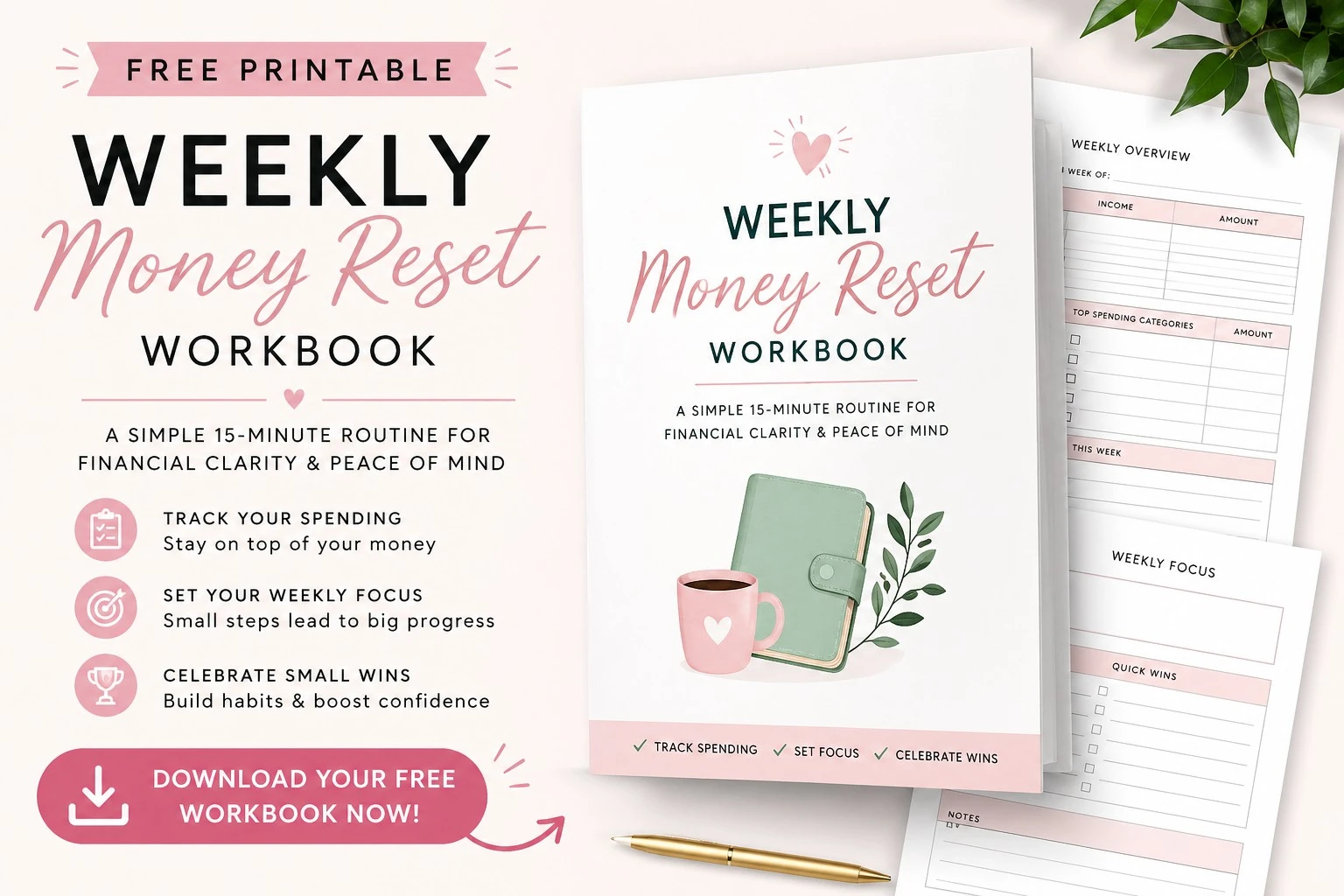
Use the workbook to review spending, organise upcoming costs, track progress and choose your next financial priority.
- Weekly Money Reset Planner
- Daily Spending Tracker
- Debt Tracker
- Monthly Reset Page
- Financial Goals Planner
Free PDF · No sign-up required · Use with pounds or euros
Weekly money reset FAQs
What is a weekly money reset?
It is a short, regular review of your balances, recent spending, upcoming bills and next financial action. Its purpose is to help you notice changes before they become end-of-month surprises.
How often should I check my finances?
A brief weekly check-in suits many people, supported by a more detailed monthly review. You may need to check more frequently when income varies, a large bill is approaching or your budget is particularly tight.
Which day is best for a money reset?
Choose the day you can repeat consistently. Sunday can help you plan the coming week, while payday may be better if you need to assign income as soon as it arrives.
Is a weekly money reset the same as a weekly budget?
No. A weekly budget decides how money will be allocated. A weekly reset checks what actually happened and makes an adjustment. The routines complement one another.
Can I do this without a strict budget?
Yes. You can begin by reviewing balances, essential costs and upcoming payments. However, even a simple budget will make it easier to judge whether spending is sustainable.
Can I use the workbook with pounds or euros?
Yes. The workbook is currency-neutral, so enter your own figures in pounds, euros or another currency. It does not perform currency conversion.
What if 15 minutes is not enough?
Use the reset to identify the most urgent next action, then schedule a separate session for detailed work. The weekly routine is deliberately short so it remains repeatable.
